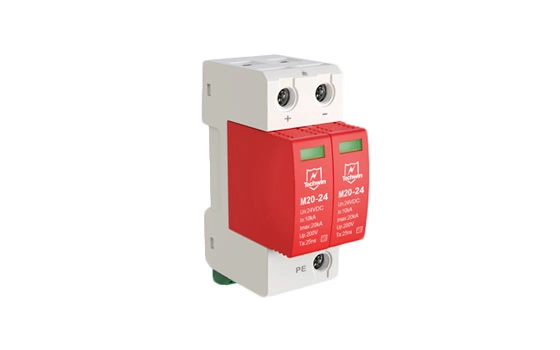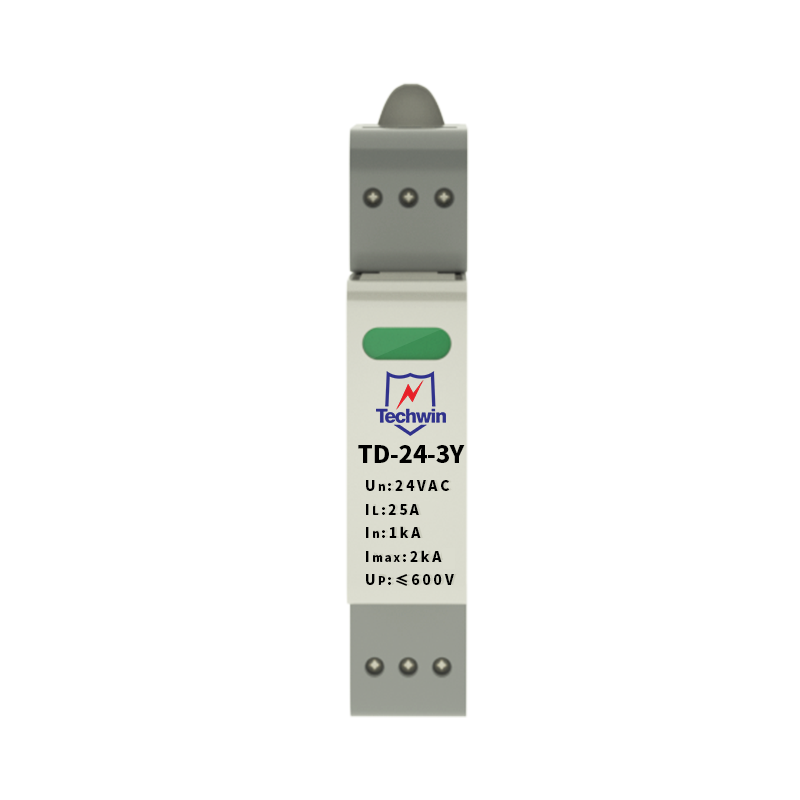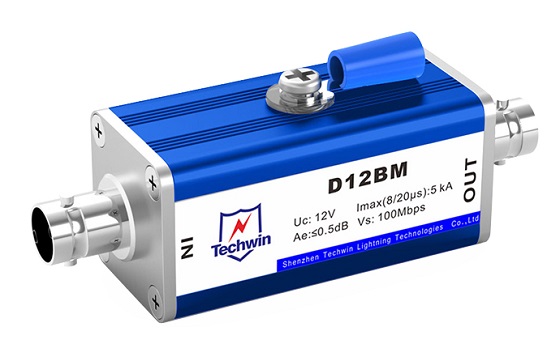


Techwin surge protective devices (SPDs) are designed to protect electrical equipment from power surges. Installing an SPD is essential to ensuring the safety and longevity of your devices. Here is a step-by-step guide on how to install a Techwin SPD.
1. Choose the right location: Select a suitable location near the electrical panel or equipment that needs protection. The SPD should be installed as close to the equipment as possible to maximize its effectiveness.
2. Turn off the power supply: Before installation, make sure to turn off the power supply to avoid any electrical accidents or damage to the equipment. This can usually be done by switching off the main circuit breaker.
3. Wire connection: Carefully connect the wires of the SPD to the power circuit. Follow the manufacturer's instructions and use appropriate tools for the job. Ensure that the wires are securely tightened to prevent loose connections.
4. Grounding: Proper grounding is essential for the SPD to function effectively. Connect the grounding wire of the SPD to a reliable and properly installed earth ground. This will divert any excess electrical current to the ground, protecting the equipment.
5. Mount the SPD: Install the Techwin SPD securely on the wall or electrical panel using the provided mounting brackets or screws. Ensure it is placed in a location that is easily accessible for future maintenance or replacements.
6. Reconnect the power supply: Once the installation is complete, turn the power supply back on and check that the equipment is functioning properly. It is recommended to test the SPD periodically to ensure its continued effectiveness.
Techwin surge protective devices offer a range of product parameters and features to suit different electrical systems. These include voltage rating, current capacity, response time, and the ability to handle different types of surges. With Techwin SPDs, you can rest assured that your devices are protected against power surges, voltage spikes, and electrical disturbances.
In conclusion, installing a Techwin surge protective device is a straightforward process that involves careful wire connections, proper grounding, and mounting. By following the manufacturer's instructions and considering the specific needs of your electrical system, you can safeguard your equipment and ensure its uninterrupted performance. Trust Techwin to provide reliable and efficient surge protection for your valuable devices.
 Eco-Friendly Power: The Environmental Impact of SPD for Power SupplyJanuary 5, 2024In an era where environmental sustainability is a global priority, the deployment of Surge Protection Devices (SPDs) for power supply emerges as a crucial component in creating a greener and more resp...viewThe Difference Between a Lightning Arrester and a Surge ProtectorDecember 8, 20211. What's a surge protection device (SPD)?A surge or spike refers to a transient over-voltage that is far larger than the specified operating voltage. In essence, it is a strong impulse with the d...viewThe Meanings of Uc and Up on AC Power SPD and How to ChooseJuly 3, 2024Power surge protectors, also known as power lightning protectors, are suitable for AC 50/60Hz power supply systems and can protect the power systems of residential homes, tertiary industries, and indu...viewThe Difference Between Surge Protector and Leakage ProtectorOctober 25, 20211. The introduction of lightning surge protector and leakage protector(1) Lightning surge protectorLightning surge protector, also called lightning protection device, is an electronic equipment which ...viewPrecautions for Installing the External Lightning Protection DeviceNovember 9, 20211. Installation of down-conductor and flashover conductor of external lightning protection deviceDown-conductor and lightning conductor should be in the correct position, and the laying should be smoo...view
 Core Functions and Technical Advantages of Ground Flashback Protective BoxApril 23, 2025In modern communication, security, and weak current systems, the threat of lightning always exists. The ground flashback protective box, as an integration of a lightning protection box and an SPD for ...view
 EN
EN
 jp
jp  ko
ko  fr
fr  de
de  es
es  it
it  ru
ru  pt
pt  ar
ar  vi
vi  th
th  ro
ro  bg
bg  nl
nl